

Managing Time Zones when working globally and remotely
The shift to widely remote work opened the ‘doors’ for talent to work anywhere and everywhere — but that introduces other issues. When teammates are in different timezones, how can teams and cross-functional projects collaborate appropriately?
My favorite resource are time converter applications. Various times on your phone, easily convert times in your calendar, and understand when optimal meeting times are—time converter applications are your answer.
1. Savvy Time
This web application is my go-to.
Once my company expanded to Australia, I couldn’t just keep doing time conversions in my head. Australia, like other countries, has daylight savings. However, the fall back and spring forward dates are not the same in every country… that’s a lot to keep track of.

Time Converter
- It’s easy to enter in the exact cities of your coworkers into this table and then bookmark the saved list.
- The sliders make it easy to find a good time that works for everyone.
- I appreciate the gradient color that helps you see where day/night are.
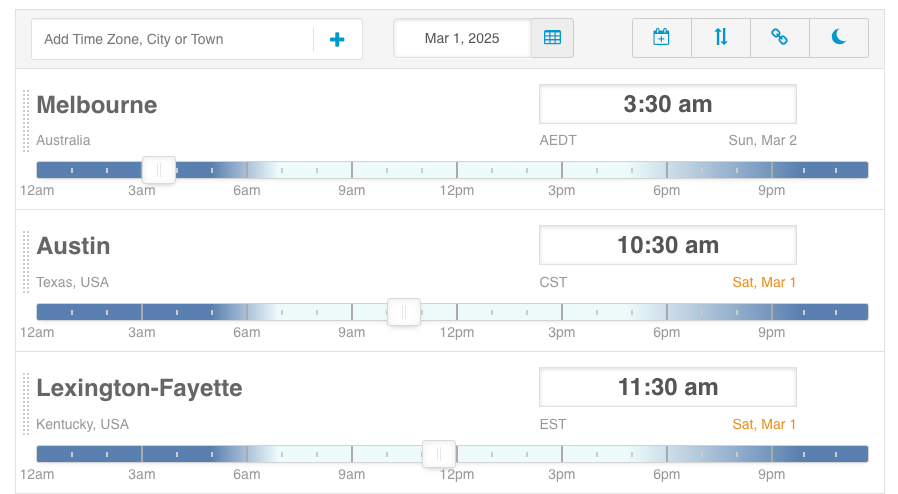
Time Around the World
If you’re a fan of random knowledge, bathroom facts, and useless trivia—you can pull up any location and view Time Zone facts like how the time zone is abbreviated and when daylight savings occurs.
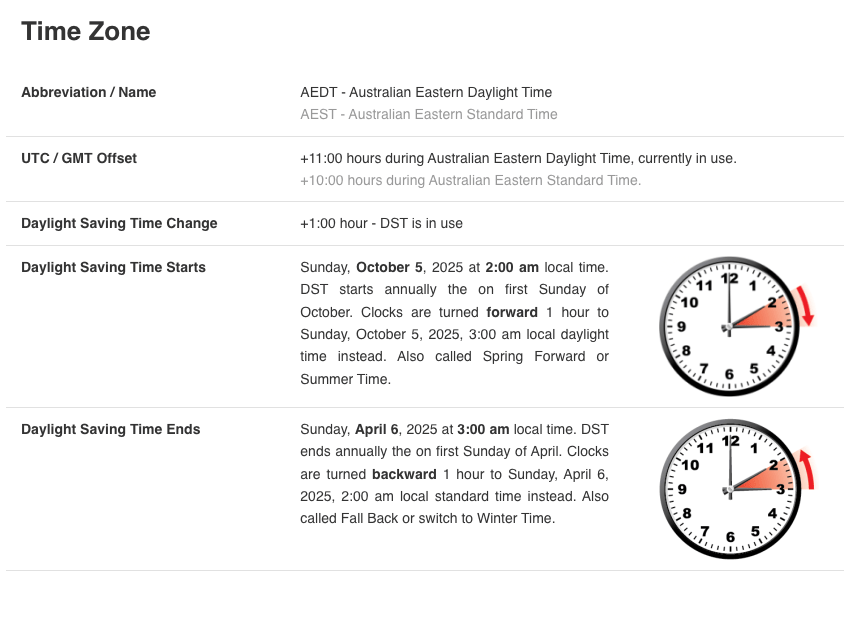
Google Chrome Extension
- I’m a big fan of Google Chrome and Firefox and their library of extensions. They’re definitely a priority in my toolkit for efficient remote work
2. World Time Buddy
World Time Buddy is a helpful tool, making it easy to create widgets for webpages. Easy to use embed codes that you can customize make it easy to add a world clock or converter to any code-accepting webspace. (I like embedding them on Confluence pages or Microsoft Sways for internal comms).
https://www.worldtimebuddy.com/clock-widget

3. Time and Date
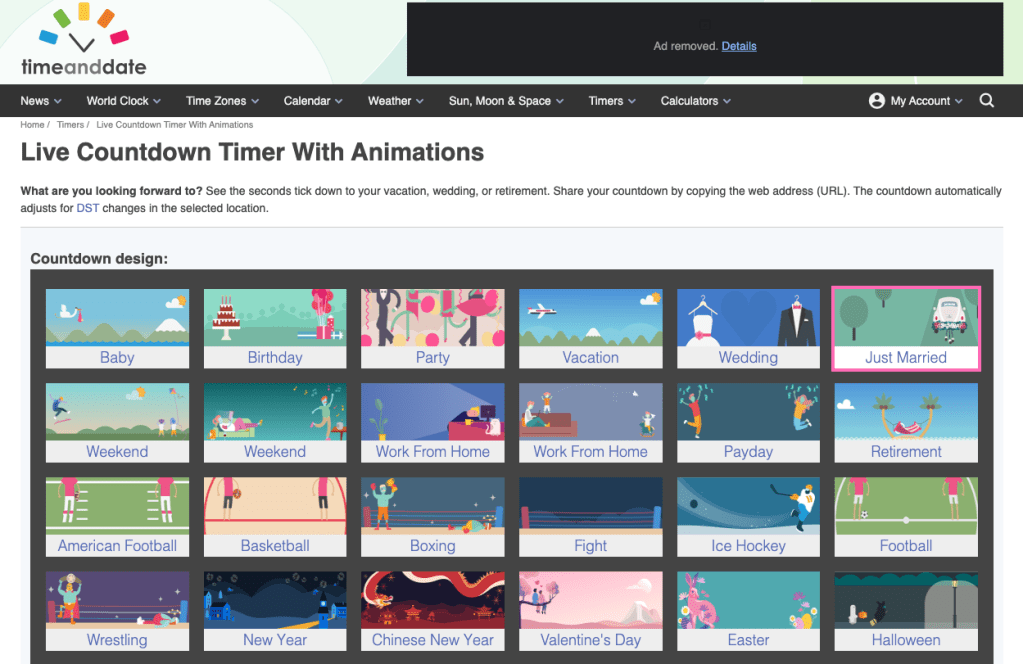
Who doesn’t love a countdown. Great for New Year’s Eve, product launches, the end of a sprint, or when your PTO kicks in.
Time and Date provides a customizable countdown widget that automatically adjusts for daylight savings.
https://www.timeanddate.com/countdown/create
Honorable mention: outlook multi-zone
If your org is using Microsoft365, Outlook has a setting that makes it easy to see multiple time-zones while looking at your calendar.
Here’s the instructions for enabling multiple timezones.

ExtendOffice has a more detailed helpdoc with images showing how the feature works. Check it out: https://www.extendoffice.com/documents/outlook/6971-outlook-add-multiple-time-zones-in-calendar.html
Work for a global firm? Managing people across timezones? What tools are you using to keep everything running smoothly?
 June Laves - Empathy-driven PMM
Leave a comment